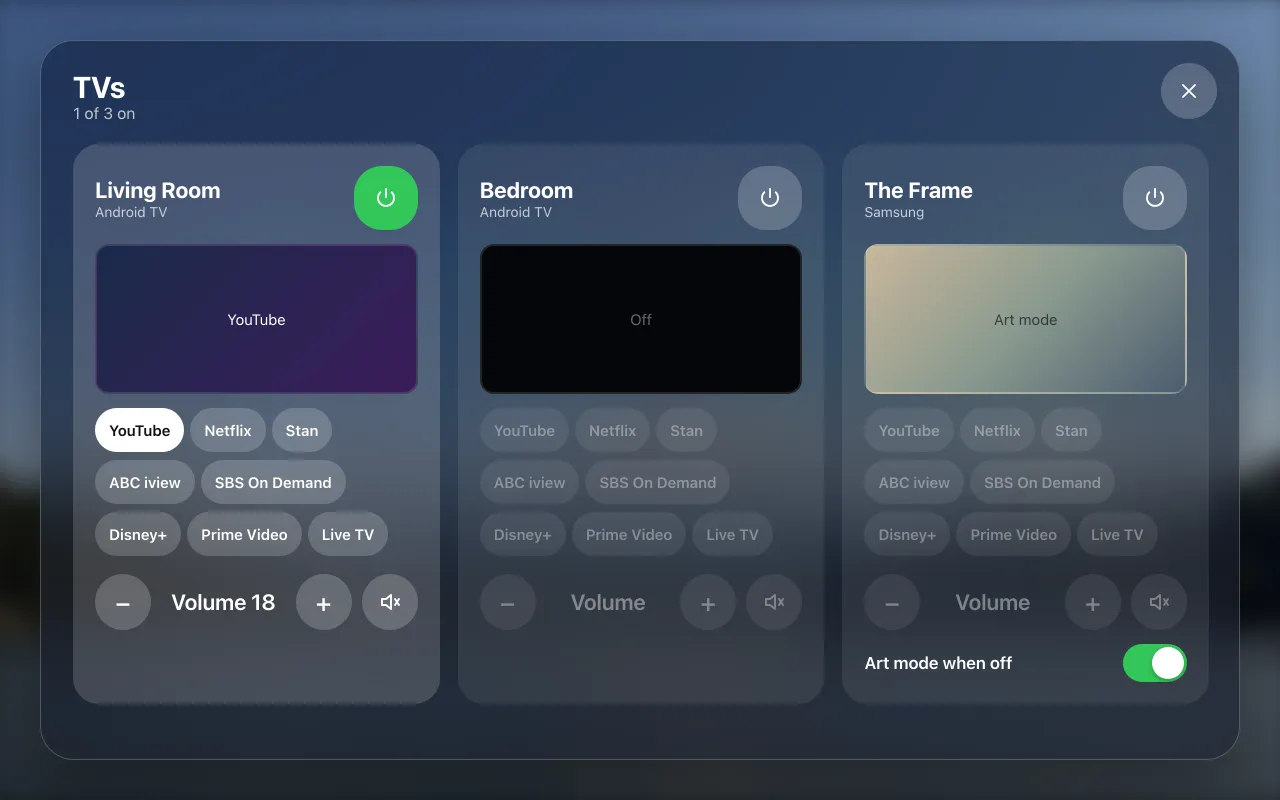
Every TV, from the wall.
On, off, the app and the volume, through couch-tv. Samsung Frame art mode too.
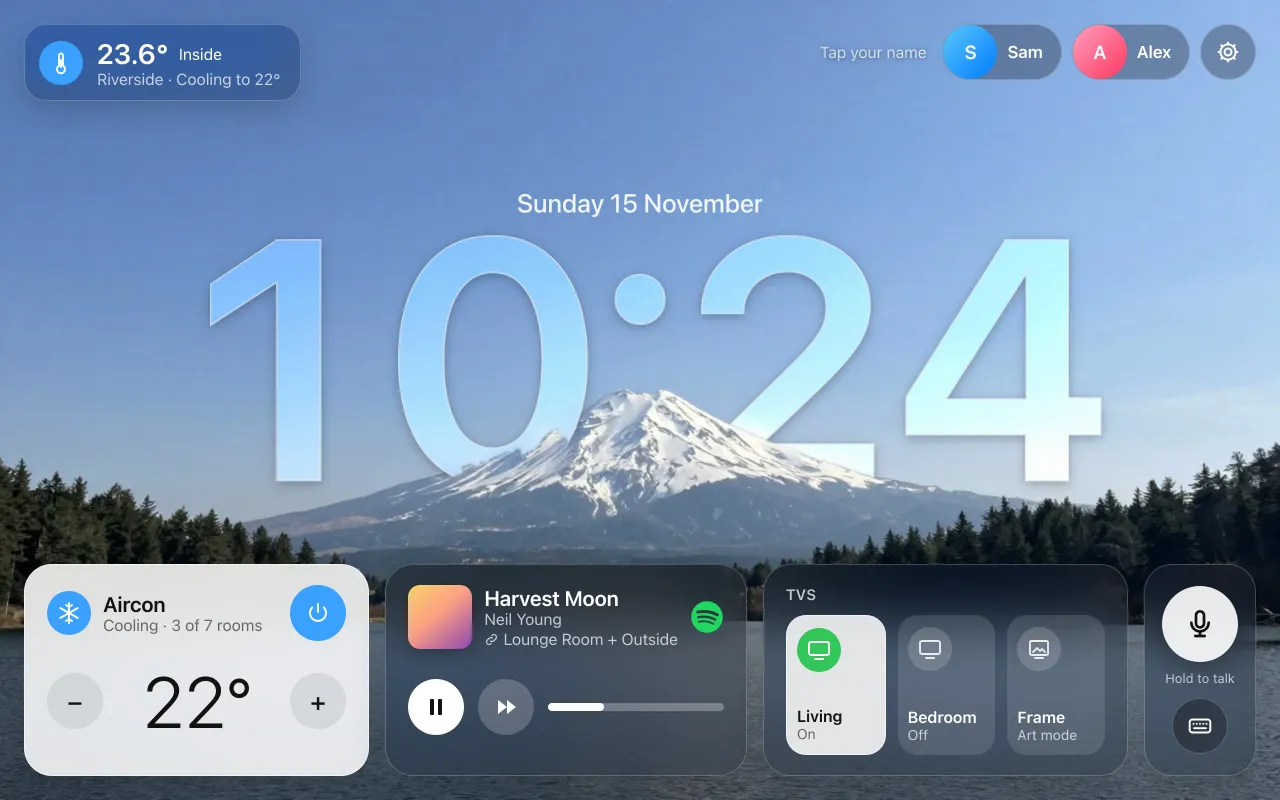
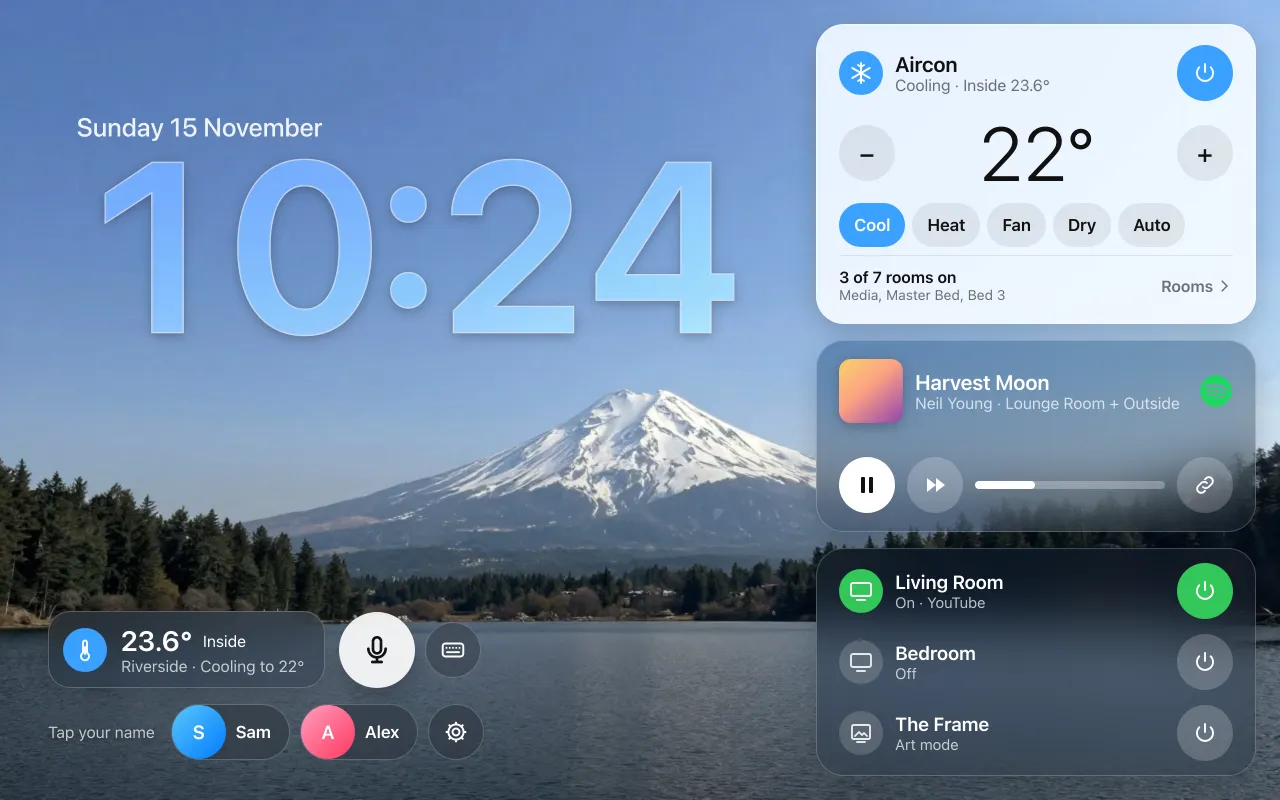
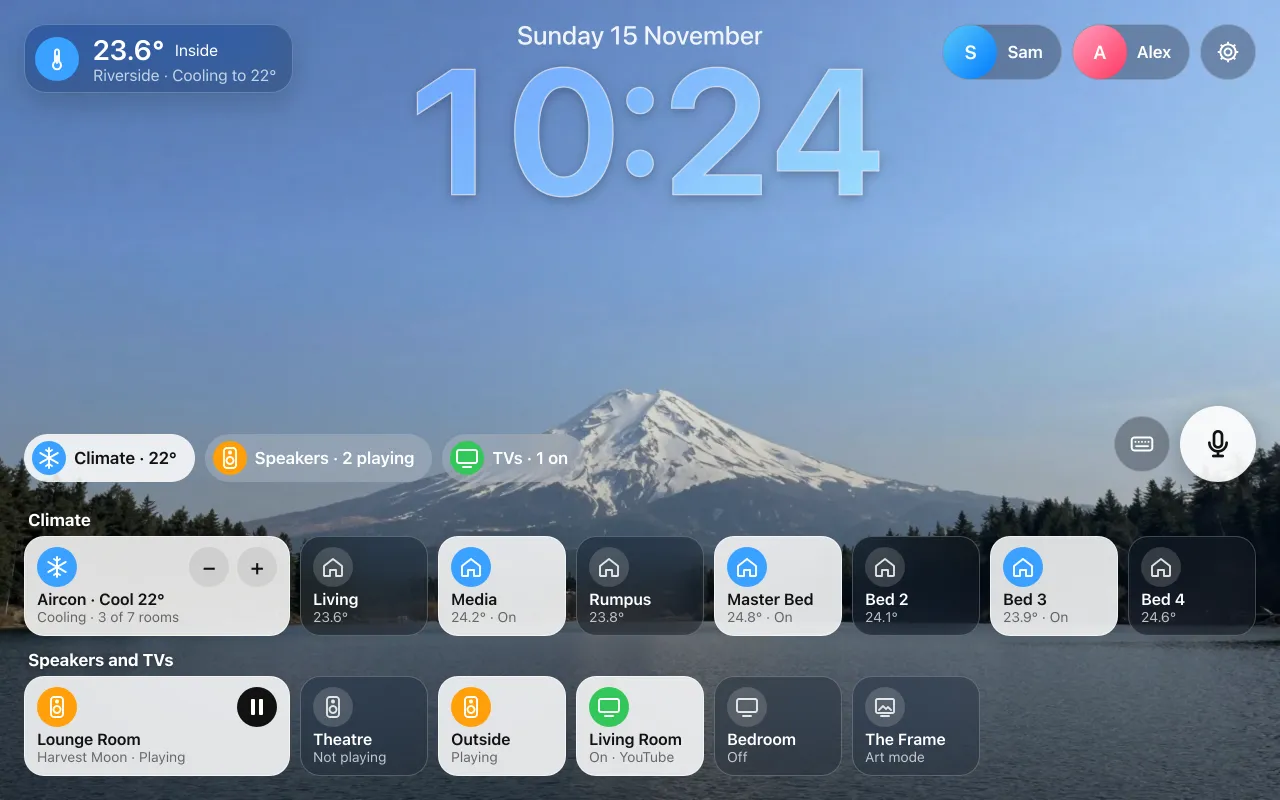
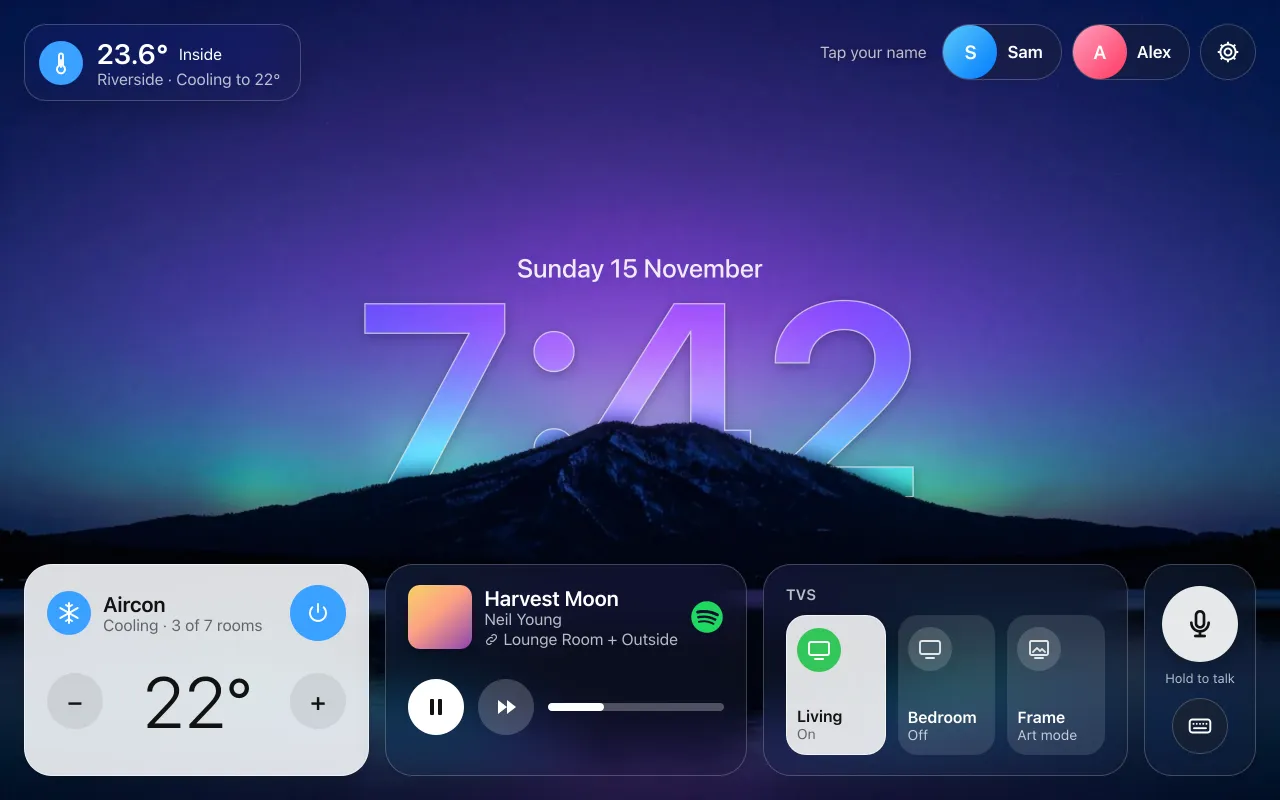
Home hub is a free wall tablet app for the aircon, the music, the TVs and everyone's week. It runs on a Mac at home that stays on.
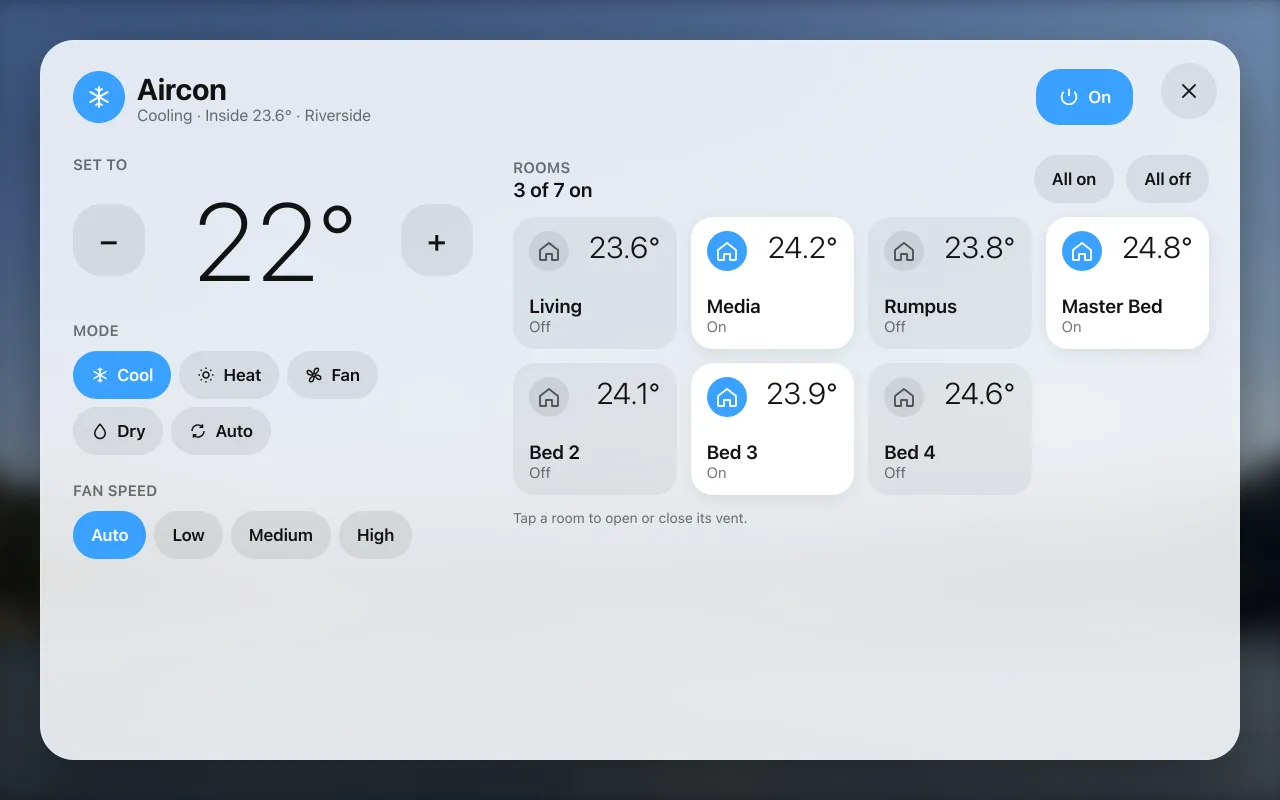
Set the temperature and the mode, then open or close each room's vent. It works with an AirTouch 5 console.
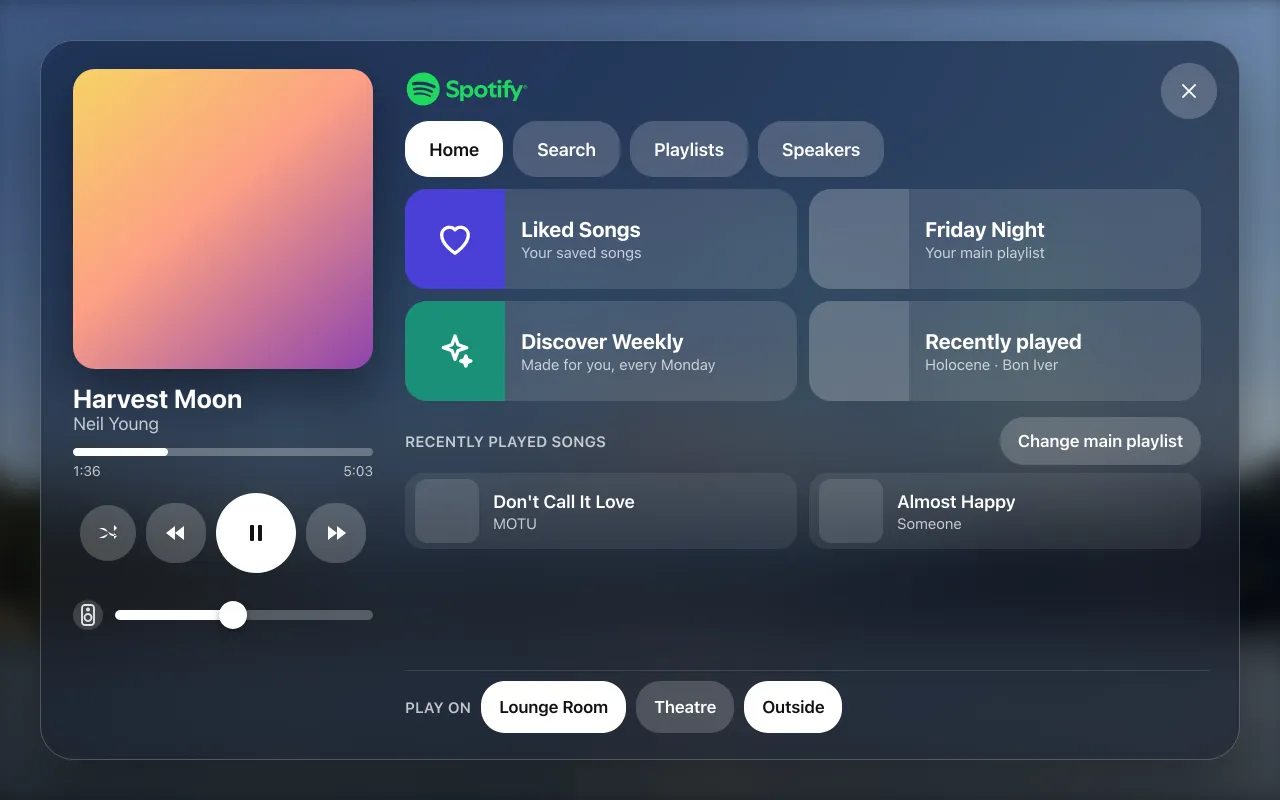
Spotify playlists and search, which speakers play, and the volume for each one. It works with Google Cast speakers.
On, off, the app and the volume, through couch-tv. Samsung Frame art mode too.
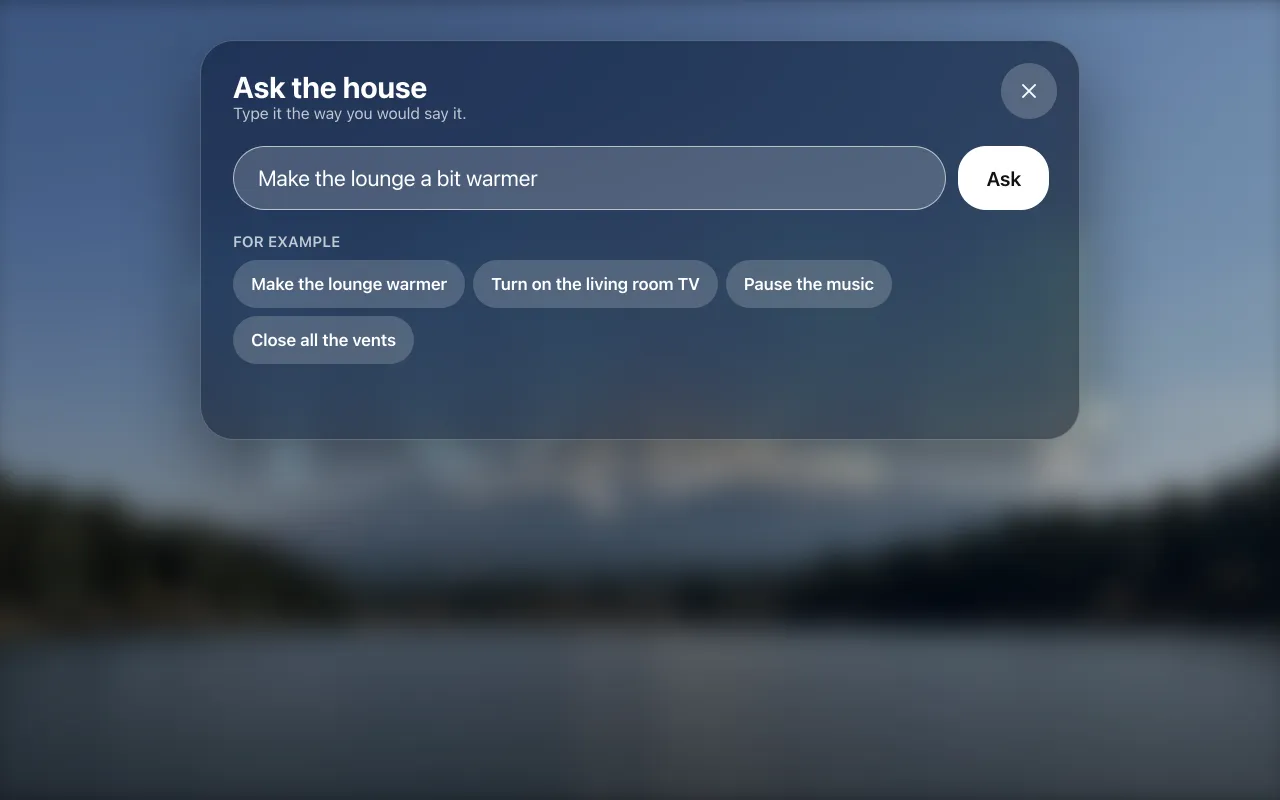
Hold the button and say it. Simple things happen straight away on the Mac. Anything else can go to Claude, if you say yes.
Each person gets their own card: the next 7 days from their calendar, titles and times only. Face ID can open it as you walk up.
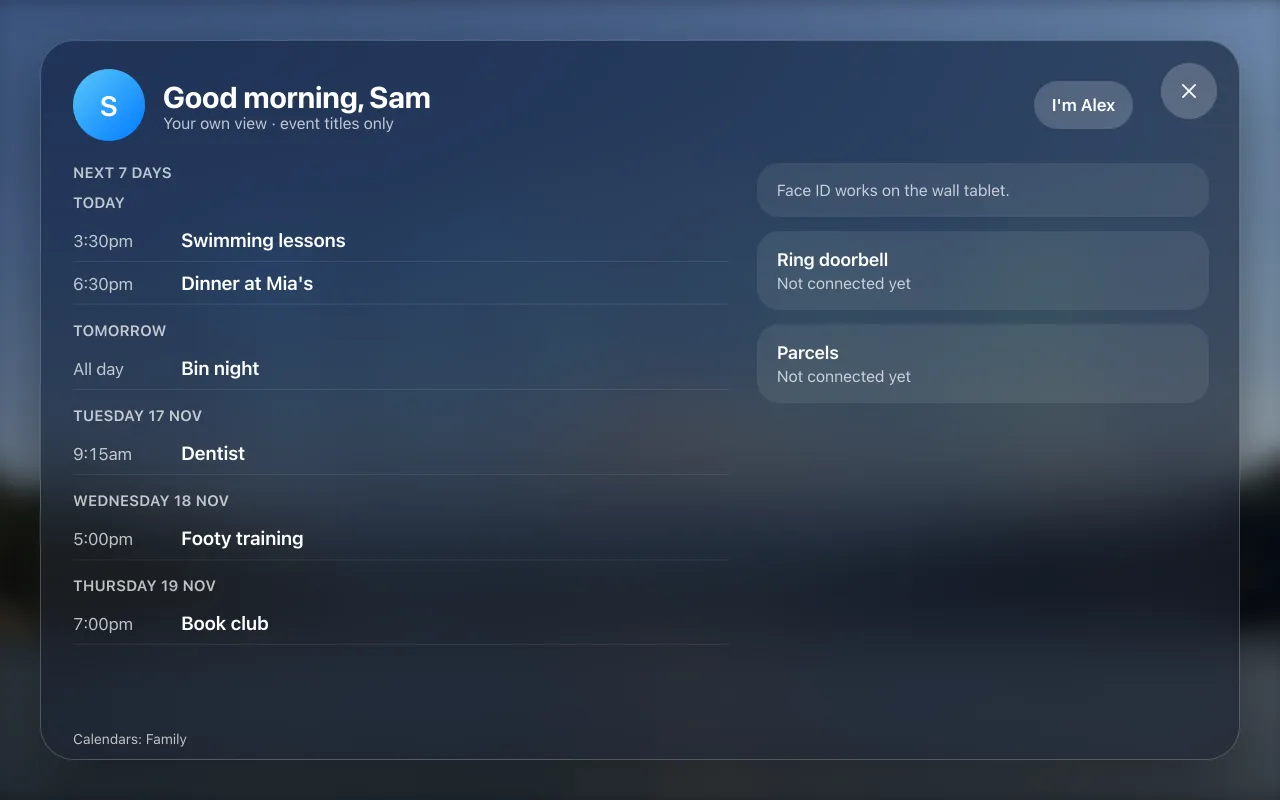
The Mac fetches the calendars, so keep it on. Places, notes and attendees are never shown.
Pick the layout that suits your wall, and a daytime or night scene, from the settings on the tablet.
One Mac runs it. No cloud account, no Home Assistant, no subscription, and nothing in it faces the internet.
What it can't protect: anyone at the wall can tap a name and see that person's event titles, and keys cross your Wi-Fi as plain http. The security notes
Two things. Everything else is optional, and anything you don't have simply stays quiet.
The Mac runs everything: the screen, the aircon and music controls, the voice, and the calendars on each person's card. It checks the calendars every 10 minutes, so if the Mac sleeps or is turned off, nothing updates and the tablet says the hub isn't answering until it's back.
macOS 14 or newer, left on and not asleep. Windows and Linux aren't supported.
Android 11 or newer, in landscape, on the same Wi-Fi as the Mac. The screen is made for 1280 by 800 and scales to others.
There is no iPad app, and it doesn't run on a phone.
Built for one house: 7 aircon rooms, 3 speakers and 3 TVs. A different house changes one file, and setting it up with AI does that with you.
The Mac first, then the tablet. Nothing changes in your house until you say yes.
Claude Code reads the project's own instructions, asks you a few plain questions and shows you the wall with pretend devices first. Needs a Claude plan.
Set up with AIShort steps to paste into Terminal, each with a copy button. No AI needed.
Step by stepDownload the app, open it, and type the address and 6 digit code the Mac shows you. No cables, no developer settings.
Download the appOn your phone now?

Home hub is free and open source. Josh builds it in his own house after work. If it runs yours, a coffee keeps the next thing coming.